
The reliability and cost-effective pricing of Amazon Web Services makes it a perfect hosting solution for your video files. By tweaking a few settings, you can use Amazon S3 (Simple Storage Service) and Amazon CloudFront (Content Delivery Network) services in conjunction with the JW Player to play videos on your website.
To get started, first download LongTail Video’s JW Player, the world’s #1 open source video player. You can either download the player or use LongTail’s setup wizard to generate the embed code for a customized version of the player.
Once you’ve downloaded the player, upload your videos to Amazon S3. If you don’t have an FTP tool, there are many free services such as S3 Fox, a Firefox plugin, that you can use.
Log into your Amazon S3 account and create a new directory (or bucket as it's called by Amazon). Name the directory after a subdomain name on your own site (e.g. videos.mywebsite.com). We'll use this later on for the DNS redirect.
Next, upload your videos to this directory. When you’re done, set the access properties of each video (the ACL) so that everyone can read the files. Now your videos are available under http://videos.mywebsite.com.s3.amazonaws.com.
Once you have uploaded your videos to Amazon S3, Amazon offers a low-cost CDN companion service called Amazon CloudFront, which allows you to optimize the network traffic sent to your users based on their location. Amazon provides documentation on setting up Amazon CloudFront with your Amazon S3-hosted files.
The fourth step is mostly cosmetic and only available to users who have access to the DNS records of their domain (usually you’ll have this if you're the domain owner). DNS masking makes the domain a bit easier to access, so that instead of http://videos.mywebsite.com.s3.amazonaws.com/myvideo.flv you can enter http://videos.mywebsite.com/myvideo.flv. The URLs are shorter and it looks more professional.
In order to set this, you will need to access your DNS zone file, either directly or through a management console. For example, Parallels offers a quick tutorial on changing zone files using their popular Plesk server management software. If you have questions, ask your hosting provider or server administrator for more information on how to accomplish this task.
You must add one entry to your DNS file. When you do so, keep in mind three important items:
In the DNS zone file itself, the additional line should look like this:
The final step is to embed the JW Player on your site. If you're not familiar with how to do this, please read our embedding Flash tutorial, or the excellent documentation of the SWFObject embed JavaScript. With SWFObject, the embed code should look something like this:
<script type="text/javascript" src="swfobject.js"></script> <script type="text/javascript"> swfobject.registerObject("player", "9.0.0", "expressInstall.swf"); </script>
<object id="player" classid="clsid:D27CDB6E-AE6D-11cf-96B8-444553540000" name="player" width="328" height="200">
<param name="movie" value="player.swf" /> <param name="allowfullscreen" value="true" /> <param name="flashvars" value="file=http://videos.mywebsite.com/myvideo.flv" /> <object type="application/x-shockwave-flash" data="player.swf" width="328" height="200"> <param name="movie" value="player.swf" /> <param name="allowfullscreen" value="true" /> <param name="flashvars" value="file=http://videos.mywebsite.com/myvideo.flv" /> <p><a href="http://get.adobe.com/flashplayer">Get Flash</a> to see this player.</p> </object>
Now that you have videos on your site, you’ll want to customize your player.
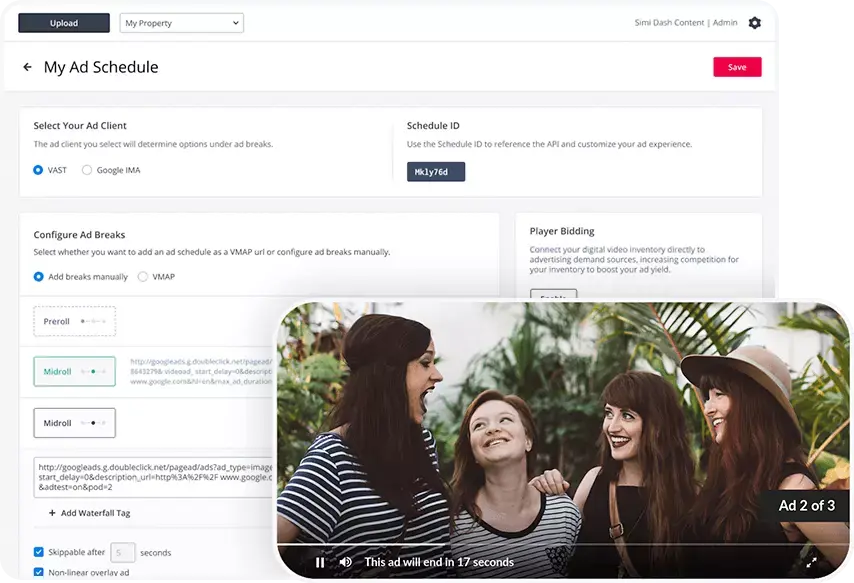
You can use LongTail’s AdSolution to run pre-roll, overlay mid-roll or post-roll advertisements on your video content from over 40 video ad networks like Google’s AdSense, ScanScout, YuMe and many more. Sign up now and follow the instructions in the LongTail Dashboard.
If you're looking for additional resources to help you set up your Amazon CloudFront account, here are a few helpful links:
If you’re confused, please visit our forums and ask a question to our community – over two million strong!
Use the JW Setup Wizard to quickly customize the JW Player™ without any writing code. Simply pick your player and our Wizard will do the rest.
Calling all ActionScript 3 gurus: we need help designing JW Plugins! Visit our Plugin Resource Center to learn how you could contribute. Questions? Email us.